Working with agents on a canvas
Introducing Toucan, a system for collaborating with AI directly on whiteboard tools.
So much of what AI generates for us doesn’t feel malleable. It’s hard to edit an eight-page research report you didn’t write, and a generated diagram can feel the same: you can look at it, but tweaking it means asking for a new one.
Toucan gives you and your agent one shared canvas. Make a precise edit by hand, ask the agent to expand or reorganize a section, and leave questions attached to the parts they’re about. You can work on the details or the whole picture, with the result always there for you to edit.
Read the walkthrough · Try it with your agent · Plain-text walkthrough
Working this way helps you think through a problem: spot a missing connection, ask the agent to explore it, then rearrange its answer as your understanding changes. You can hand over a larger pass while keeping the small decisions that make the result yours.
Two altitudes, one diagram
Sometimes drawing a system yourself is how you come to understand it. Other times you need the diagram so you can get on with the work. Toucan lets you move between the two.

The canvas is an infinite whiteboard in your browser. Your agent—Claude Code, Codex, or another agent that can run a command—works on the same document.
The clips below use staged sample canvases, separate from the episode’s Hamilton example. Playback speed is noted beside each demonstration.
Up close: you, by hand
Drag a box, rename it, draw an arrow—even while the agent is working. You can see its cursor and what it says it’s about to do.
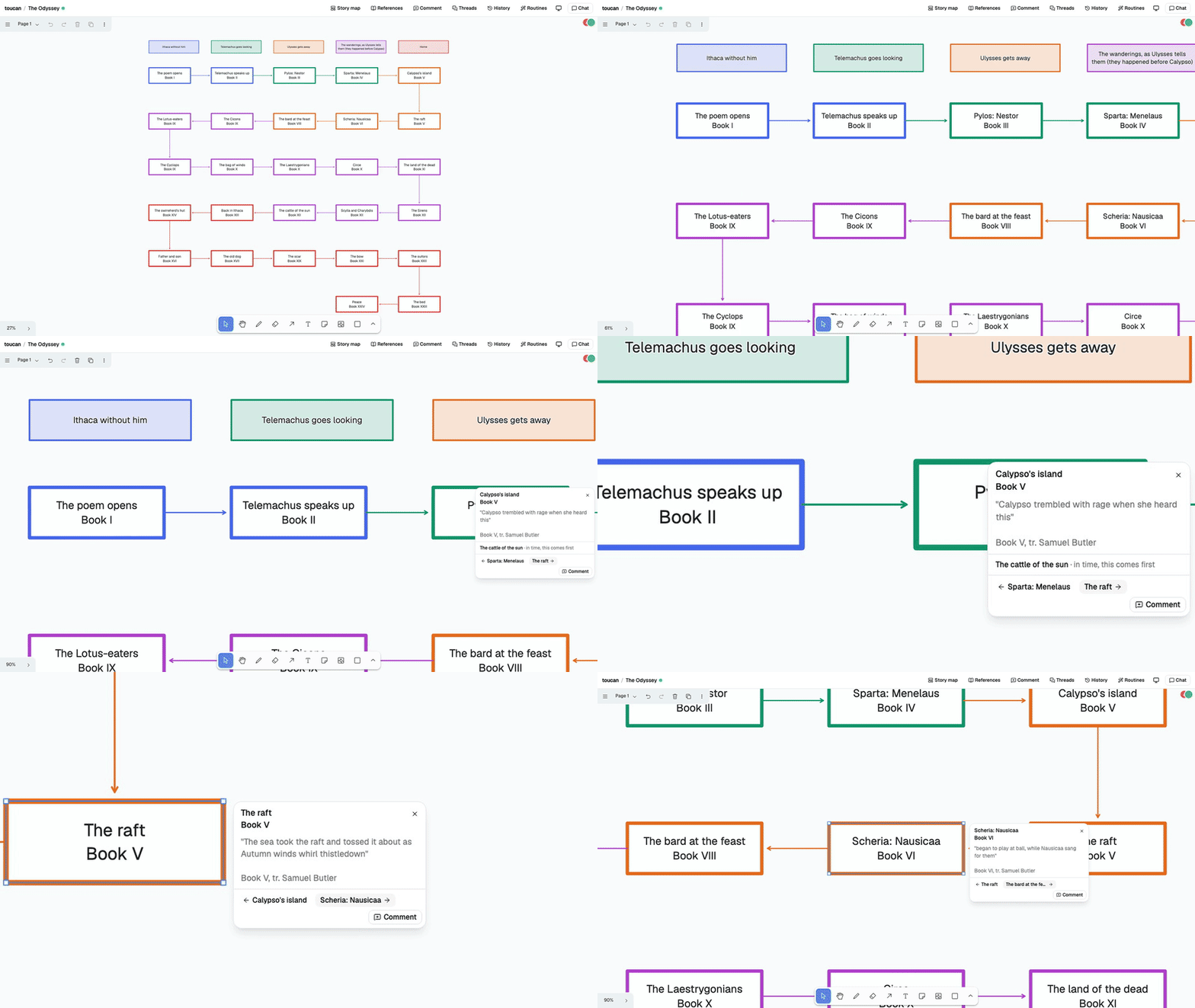
Up close also means reading. Boxes keep short names; selecting one opens a card with what’s behind it.
From higher up: the agent
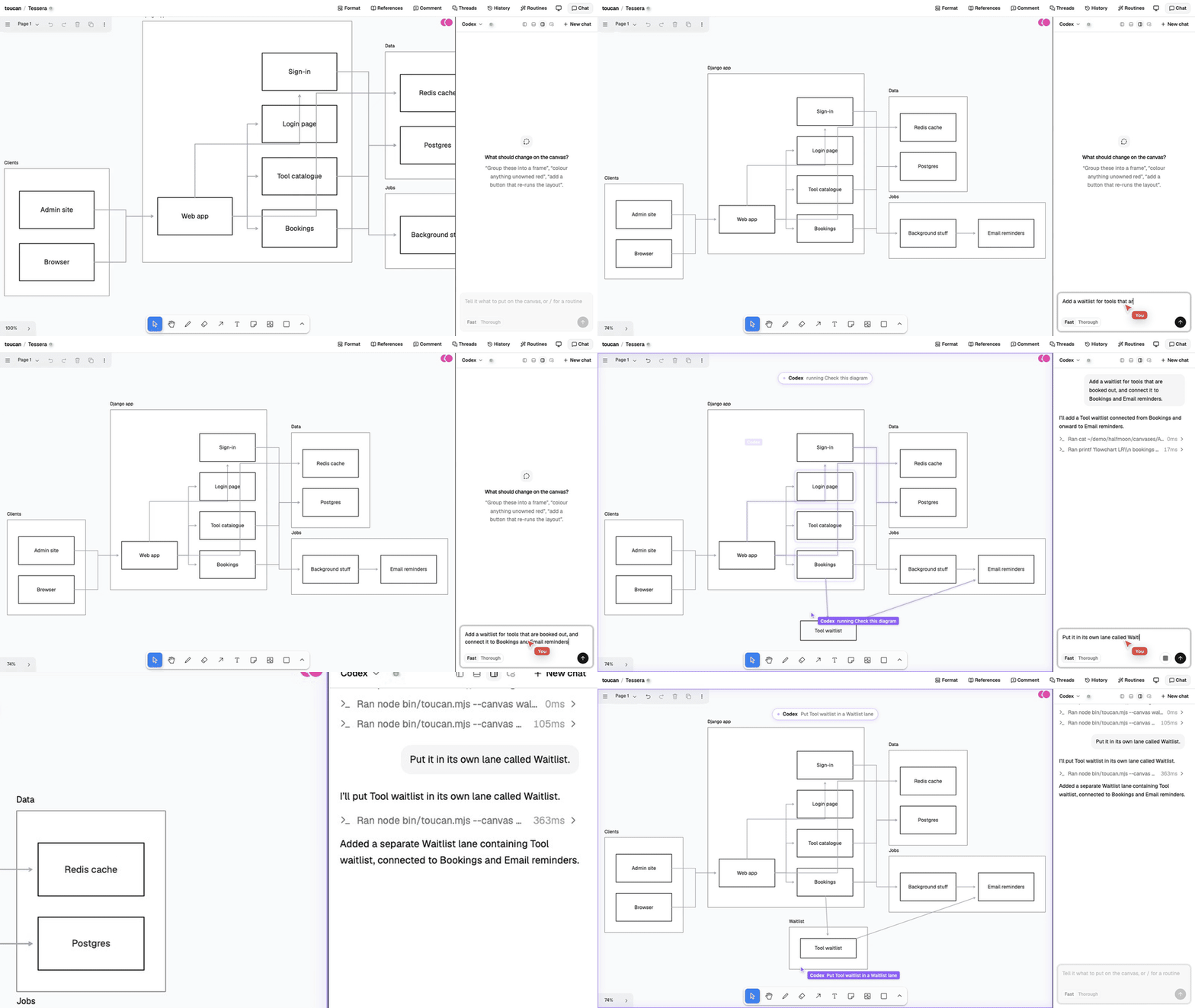
Ask in chat to restructure part of the diagram, and change your mind mid-turn. The result arrives on the same canvas for you to edit.
Higher still: routines and the whole system
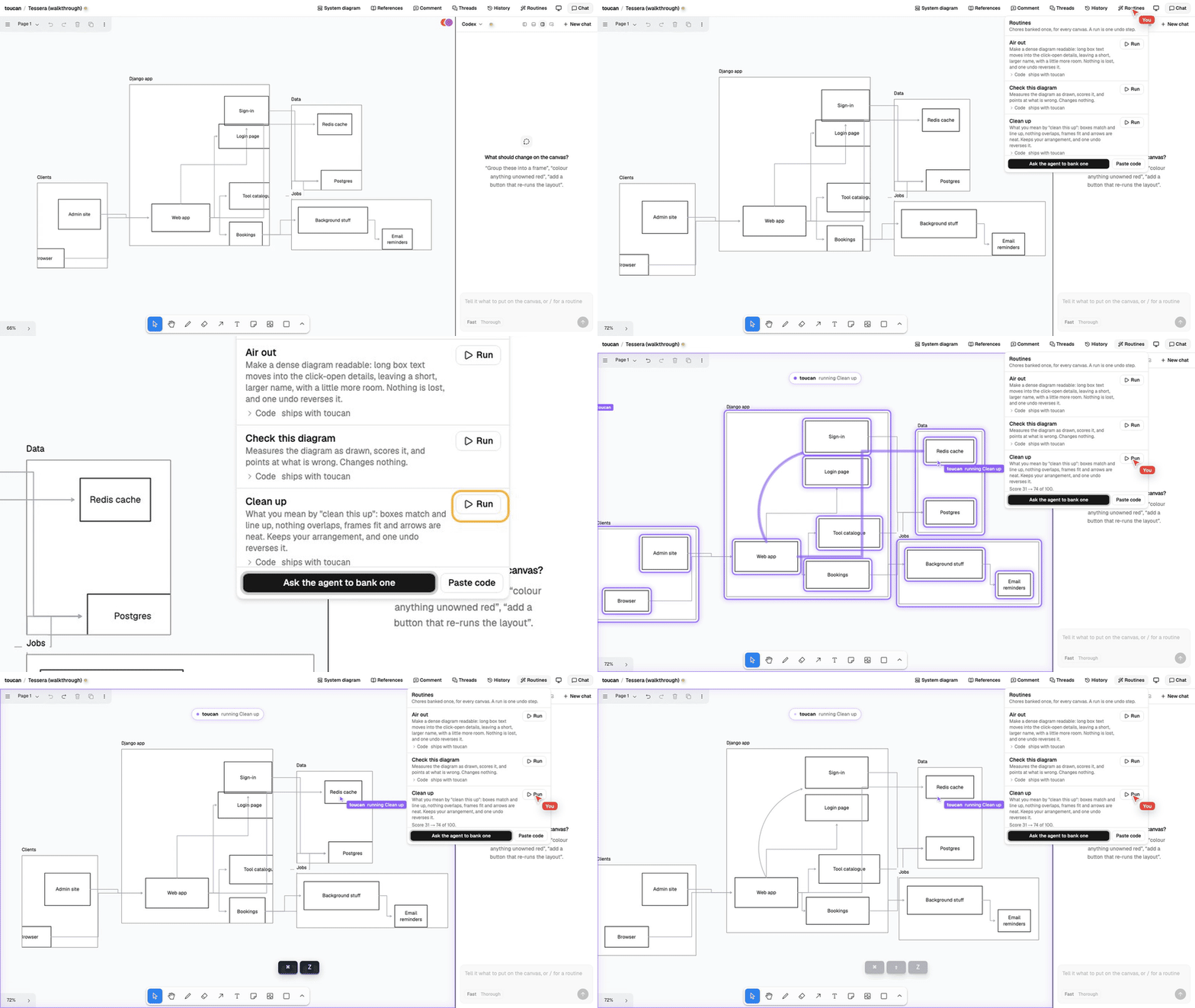
Routines are saved chores, like “clean this up.” Run one from the Routines menu, then undo the whole change in one step if needed.
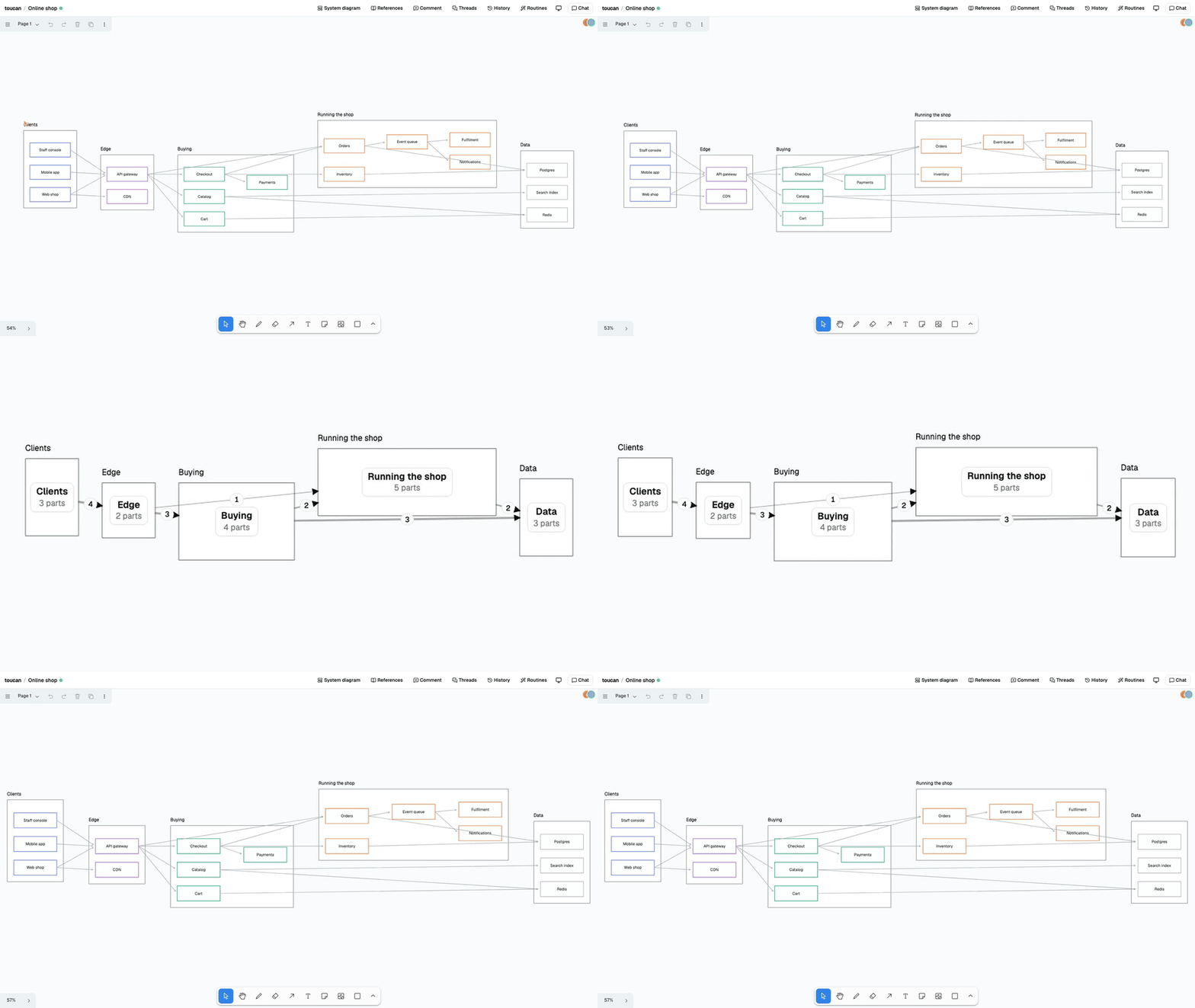
Zoom out to see summaries of each frame: how many boxes it holds and the connections between frames.
Where the two meet
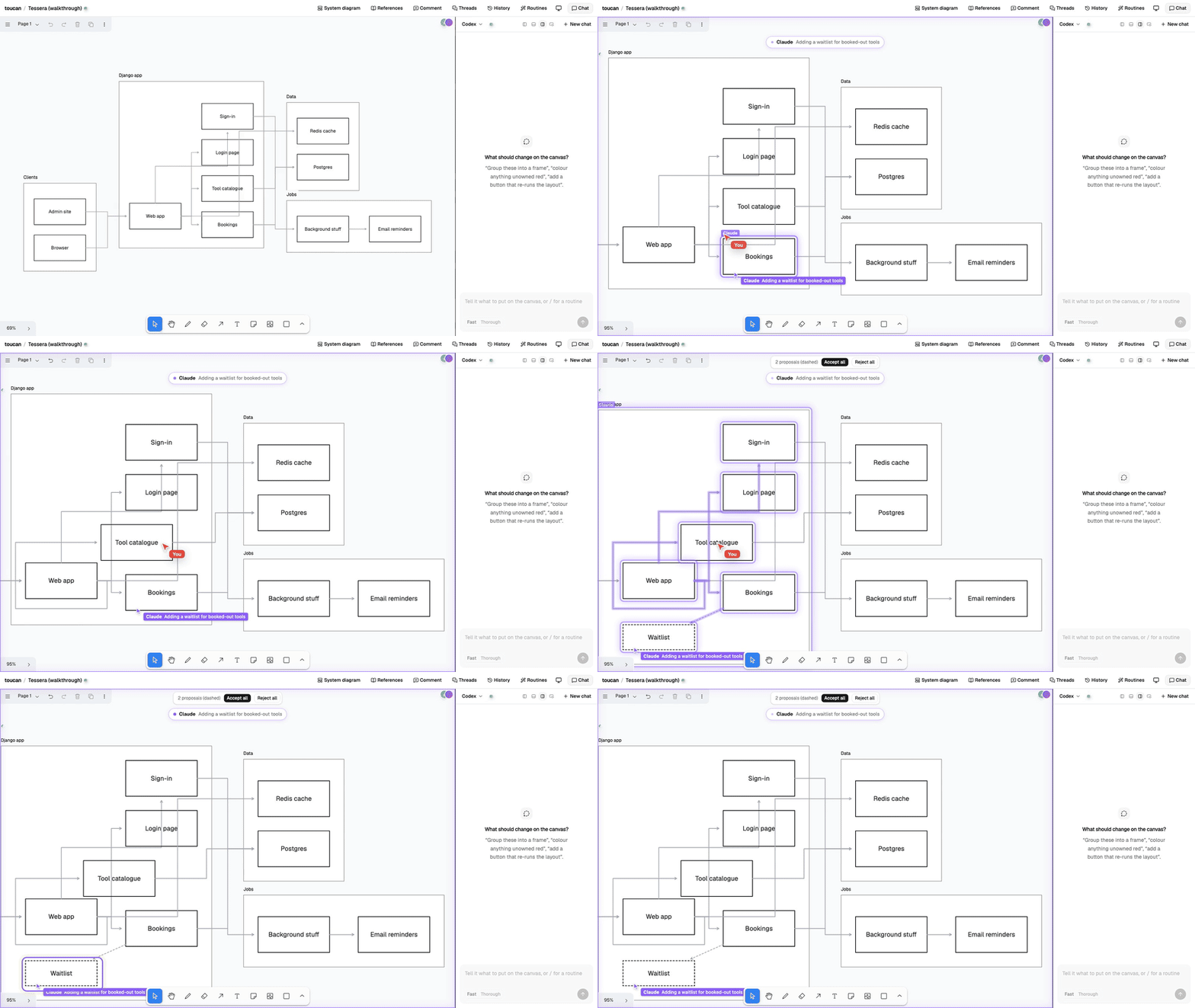
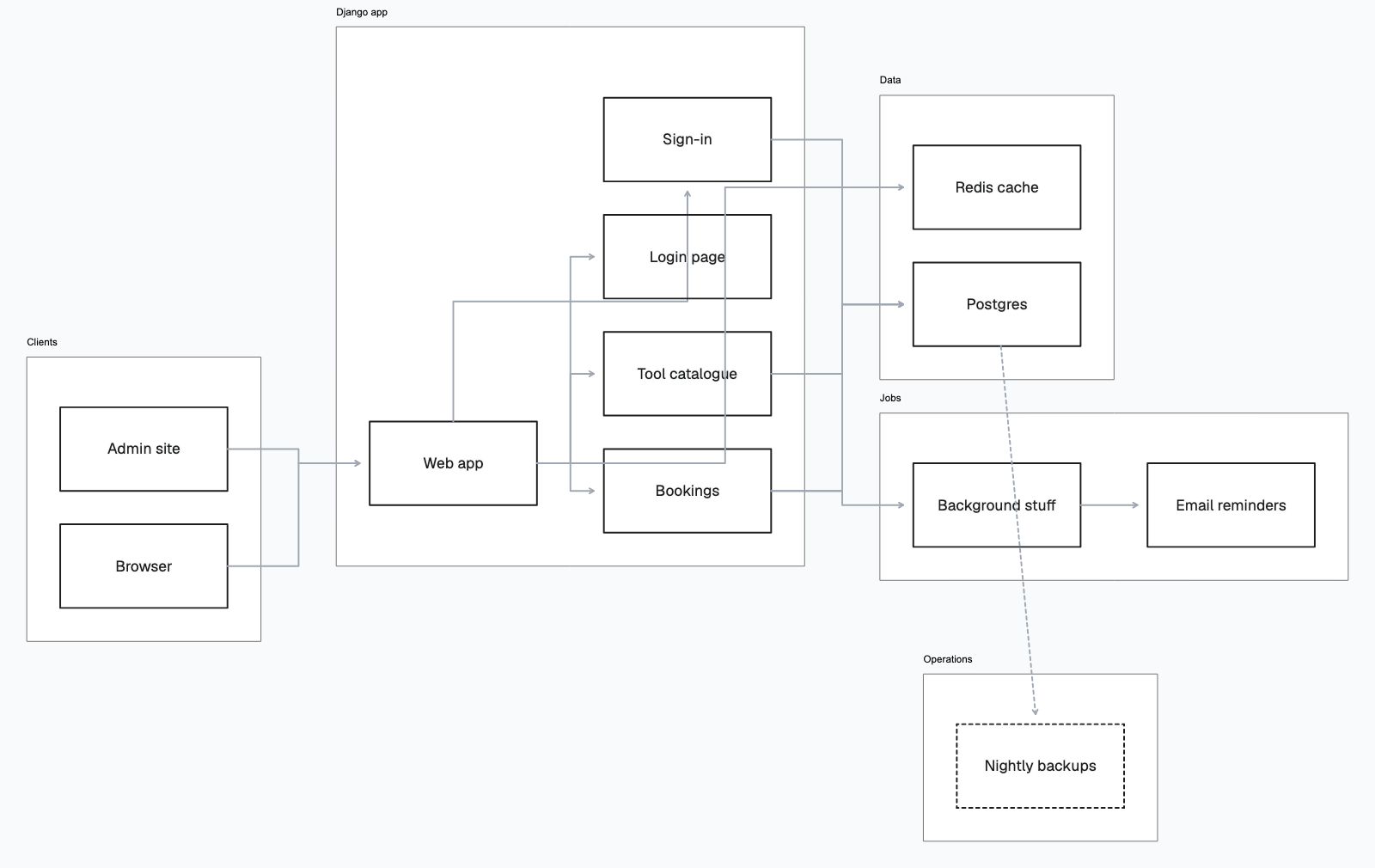
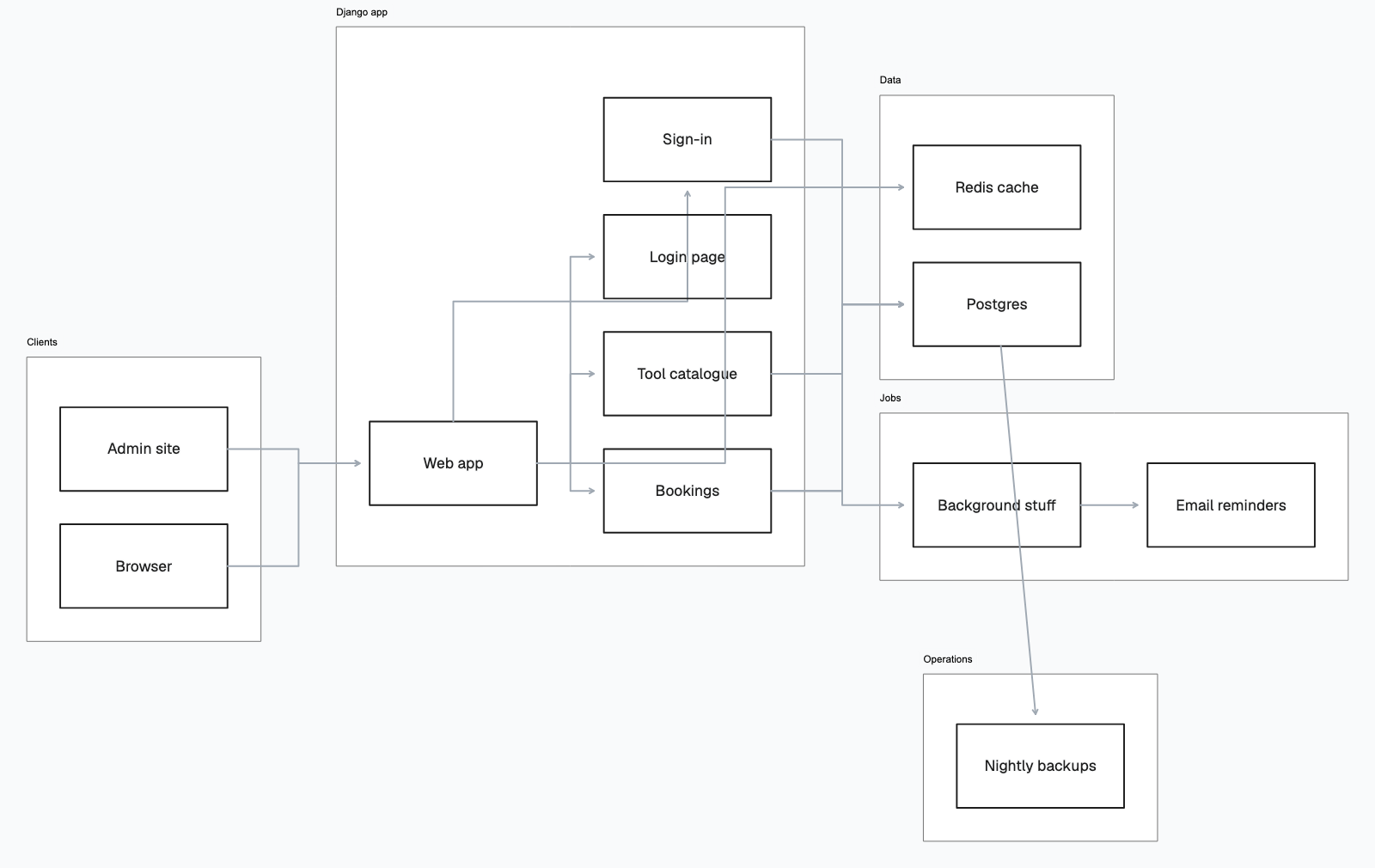
When the agent proposes a change, it arrives dashed and in place until you accept it.
See the accepted version
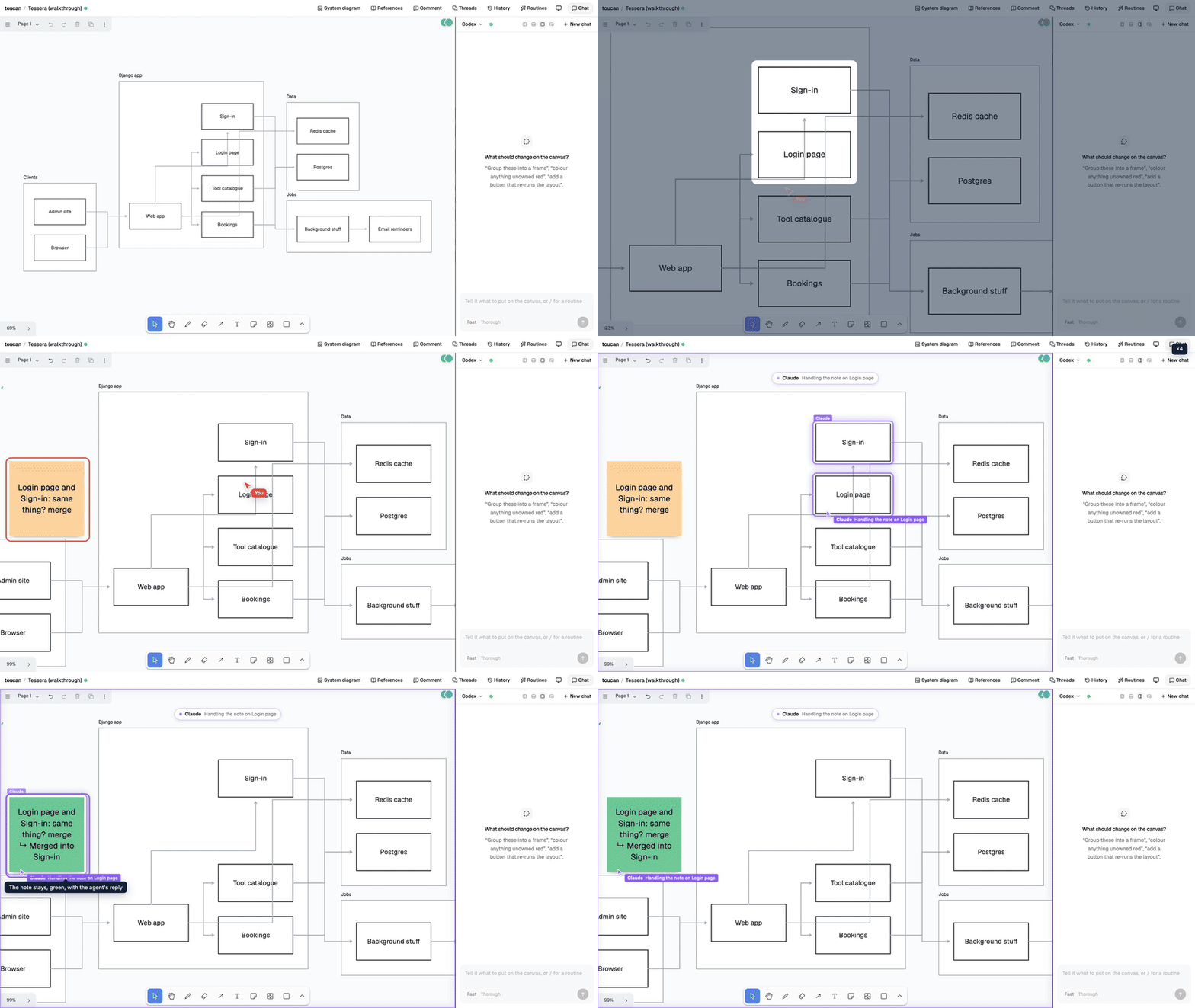
Ask questions on the boxes they’re about. Each thread keeps the conversation attached to a box or region and can have its own agent.
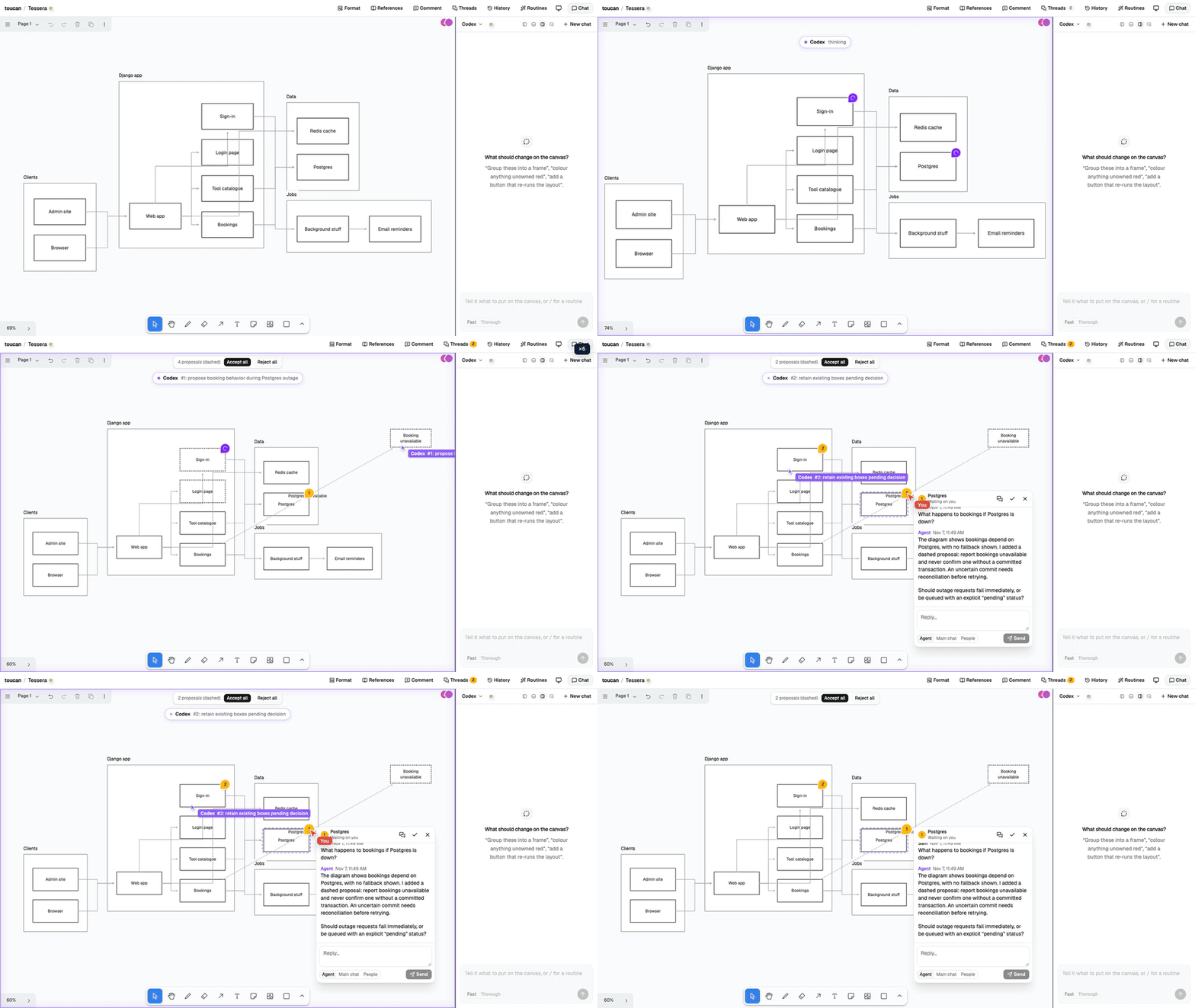
Use those notes to request changes, too, with the feedback attached to the part that needs attention.
It’s still rough in places; the agent’s layouts are where you’ll want to step in. But you can choose which altitude to work at—a box at a time or the whole picture—and move between them.
Related projects
Our publications, publisher tools, and open source software.